Dirk’s workshop
Vibe
Coding
Watch Dirk’s films, see the builds in action, and download the tools and their source code.
Explore the releasesOn the workbench
Dirk’s Playlist Builder
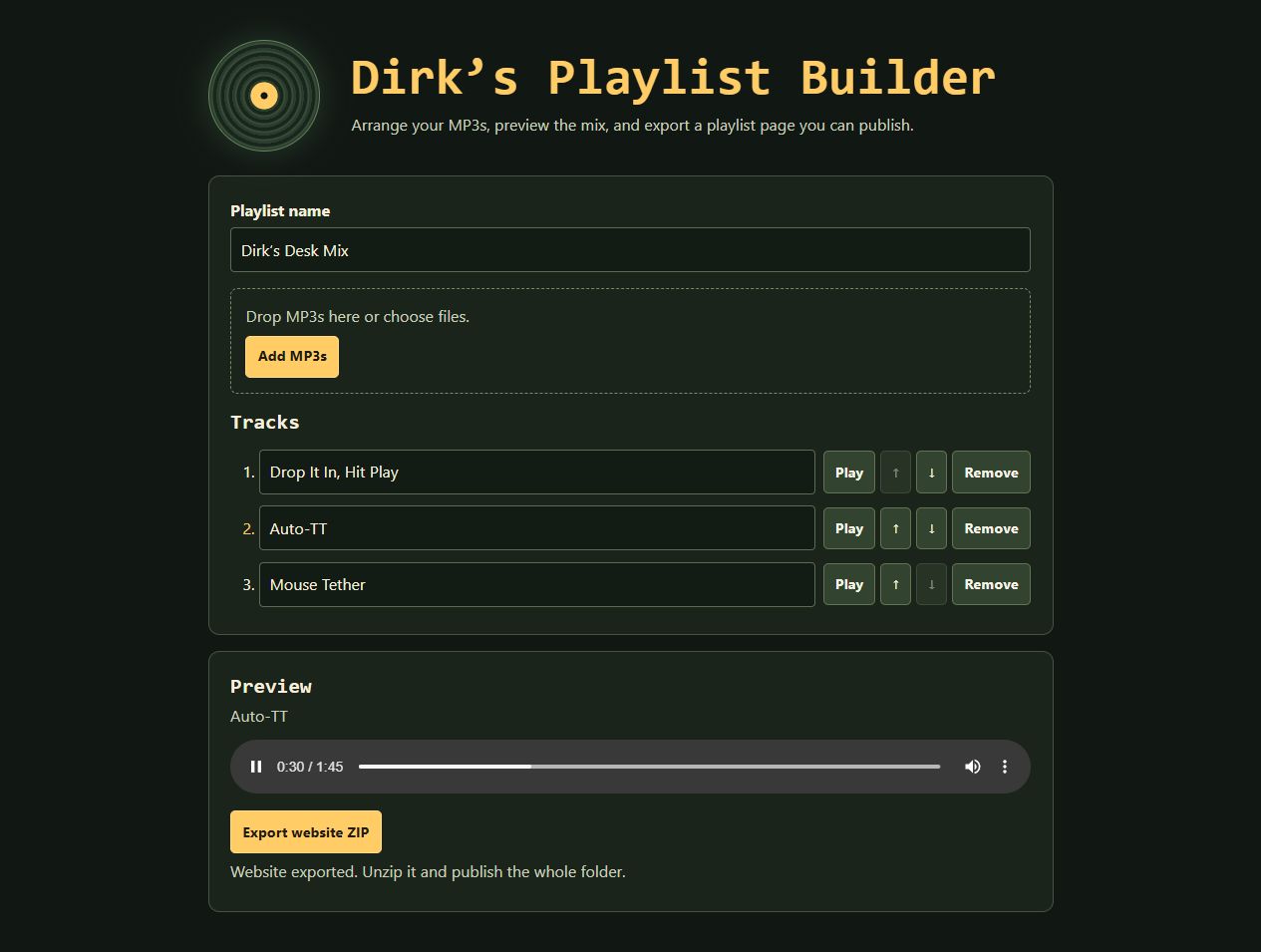
Turn a folder of MP3s into a shareable playlist page. Arrange your mix in a desktop browser, preview it, and export the files for your own website.
- Build your mix
- Add MP3s, give tracks new names, and use the arrow buttons to put them in order.
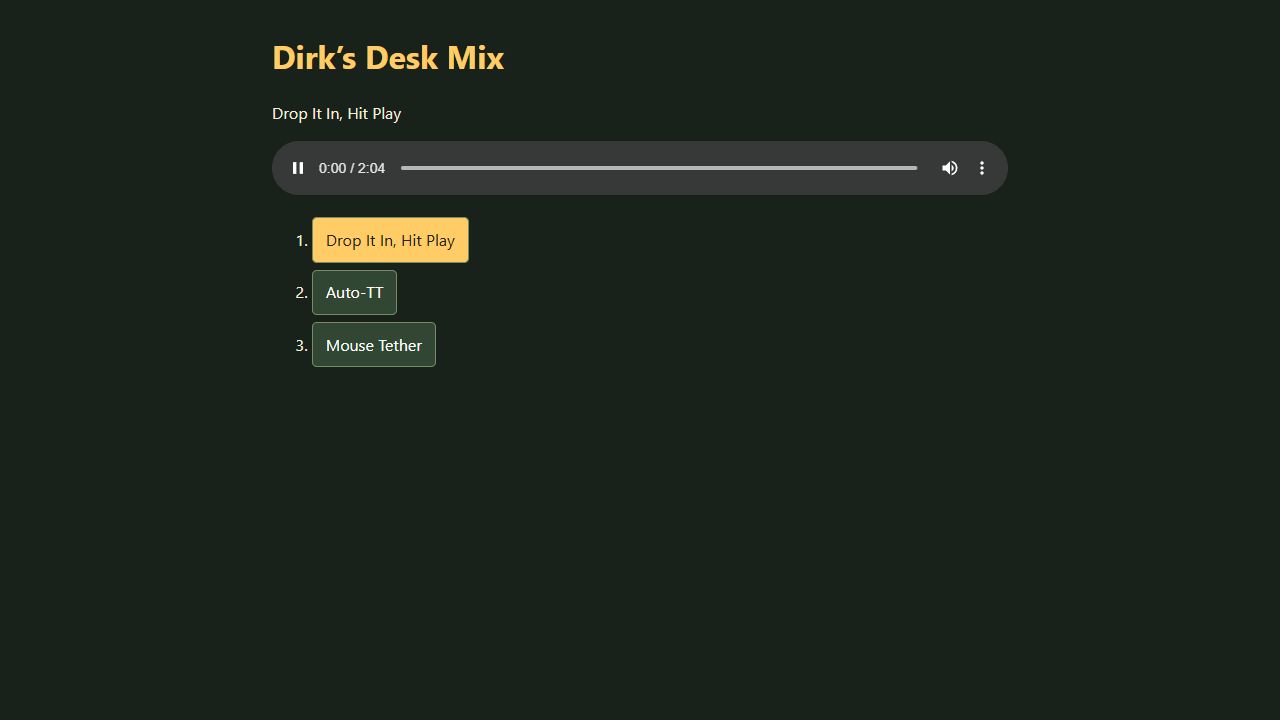
- Share a playlist page
- Export a website ZIP with the player and audio in one folder. Upload that folder to a static host you control.
How to use it
- Extract the ZIP and open Start Playlist Builder.html.
- Add up to 40 MP3s, with a total size under 128 MB. Name, reorder, and preview the tracks.
- Click Export website ZIP. To share the playlist online, extract and upload the entire exported folder to a web host you control.
What’s inside and how to verify it
The ZIP contains the offline browser app, setup instructions, and the working JavaScript with the lyrics woven into its comments. The builder processes the MP3s you select in your browser.
Run this command in PowerShell from your downloads folder and compare the result with the SHA-256 below.
Get-FileHash -Algorithm SHA256 "Dirk Playlist Builder - Speed Mix.zip"
ZIP SHA-256 4de12277d4dc4f7bcaa0550c436a54b6cd05da2a039022bd48253e28095c8fc9
Auto-TT · Slither Respawn Helper
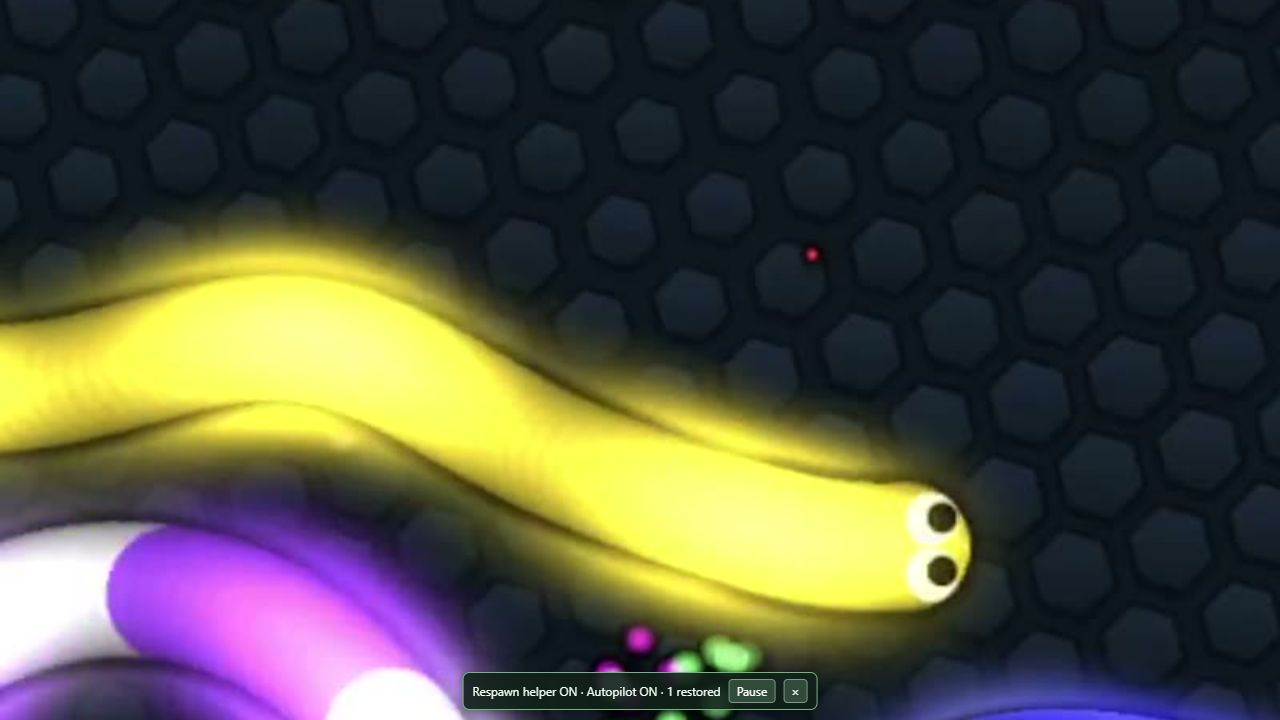
When your snake respawns, Auto-TT saves you from having to turn NTL’s autopilot back on by hand. It runs in Microsoft Edge and was checked against NTL MOD 9.79.
- Restore TT after a respawn
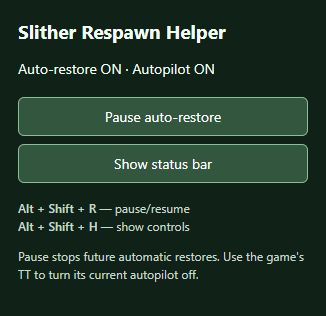
- Enable Auto Respawn in NTL. The helper restores TT once the new snake is ready. If you turn TT off during a run, it stays off for that life while Auto Respawn and the helper stay enabled.
- Pause the helper Alt+Shift+R
- Press Alt+Shift+H to show the in-game status bar again. Use the game’s TT control to stop an autopilot that is already running.
How to set it up in Edge
- Extract the ZIP into a folder you can keep.
- In Edge, open edge://extensions and turn on Developer mode. Choose Load unpacked and select the folder containing manifest.json.
- Open Slither with your NTL setup, or refresh the tab after your current game ends. Turn on Auto Respawn in NTL to let the helper restore TT.
What’s inside and how to verify it
The ZIP contains the unpacked Edge extension, the JavaScript with the hidden lyrics, setup instructions, and a Node.js test. NTL MOD is installed separately. You can scan the ZIP before loading the extension.
Run this in PowerShell from your downloads folder and compare the result with the ZIP’s SHA-256 below.
Get-FileHash -Algorithm SHA256 "Auto-TT - Slither Respawn Helper.zip"
ZIP SHA-256 35097f2f50da9cd06cb25d6565d677ae2ff6cc5a5b8270c647985e14305151ec
Mouse Tether
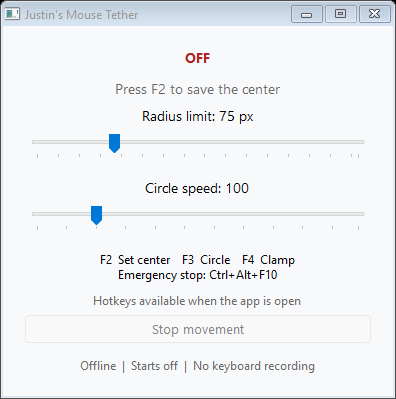
Mouse Tether gives your Windows pointer a center and a radius. It’s handy when you want to repeat the same motion or keep the pointer in one area.
- Circle F3
- Repeat a circular motion while you practice tight turns in a mouse-controlled game like Slither.io or film a demo. You can change the radius and speed.
- Clamp F4
- Move the pointer yourself and keep it inside the radius around the center you picked.
Press F2 to set the center and Ctrl+Alt+F10 to stop from any window. It starts with movement off and runs offline on 64-bit Windows.
What’s inside and how to verify it
The ZIP contains the app, C# source with the hidden lyrics, build files, and hotkey instructions. The app is unsigned. You can scan the ZIP or the extracted app with your antivirus.
ZIP SHA-256 c3bc01f8e4f927fae55dc070b70c6cb8a33d21eb1e3ca6a9163cd271e498fe78
Older releases
Dirk’s desk

Here you go. Here’s the files.